

Last Updated: 24 October 2026
Quick Summary
Guitar amp buzzing noise typically stems from damaged cables, earth loop hum, failing tubes, grounding problems, electrical interference, or loose connections. You can identify the source by systematically testing your cable, guitar, and amp, then applying the appropriate fix for each cause.
- Inspect your entire cable length for cuts, kinks, or corroded connectors that introduce noise into your signal path.
- Test whether buzz occurs with nothing plugged in to determine if the problem is in your guitar, cable, or amp.
- Touch your guitar strings with a bare hand; if the buzz disappears, you have a grounding issue in your guitar or amp.
- Move your amp away from microwave ovens, WiFi routers, computer monitors, and other electronics that emit electromagnetic interference.
- Swap your preamp tubes first if you hear excessive buzz or crackling, as failing tubes produce noise before stopping entirely.
Table of Contents
- What Causes Guitar Amp Buzzing Noise
- Step 1: Check Your Guitar Cable for Damage
- Step 2: Test Whether the Buzz Occurs When Nothing Is Plugged In
- Step 3: Identify Buzz When Touching Your Guitar Strings
- Step 4: Troubleshoot Tube Amp Hum and Buzz
- Step 5: Move Away from Electrical Interference
- Step 6: Check Your Amplifier Connections and Settings
- When to Seek Professional Repair for Your Amp
- Frequently Asked Questions
What Causes Guitar Amp Buzzing Noise
A guitar amp buzzing noise is one of the most frustrating problems you can encounter. It interrupts your playing, ruins recordings, and makes practice sessions miserable. The good news is that most buzzing issues come from a handful of common causes, and you can fix many of them yourself.
A few require professional repair. But before you panic or spend money on a technician, work through these steps systematically.
The most common culprits are damaged cables, earth loop hum, interference from nearby electronics, loose connections, and worn tube amps. Each produces a slightly different sound and requires a different fix.
Guitar amp buzzing typically stems from one of several common sources, each requiring a different approach to fix.
| Cause | What it sounds like | Where to check |
|---|---|---|
| Damaged cable | Buzz that changes when you move the cable | Entire cable length, connectors |
| Earth loop hum | Gentle hum at idle or excessive buzz | Amp grounding and connections |
| Failing tubes | Buzzing or crackling that gets louder | Preamp tubes, then power amp tubes |
| Grounding problem | Buzz that disappears when you touch strings | Guitar bridge hardware, output jack |
| Electrical interference | Buzz from nearby electronics | Distance from microwave, router, monitor |
| Loose connections | Persistent buzz despite other checks | Input, output, effects loop jacks |
Step 1: Check Your Guitar Cable for Damage
Your cable is often the first place a buzz starts. A worn or damaged cable introduces noise into your signal path, and that noise gets amplified through your amp.
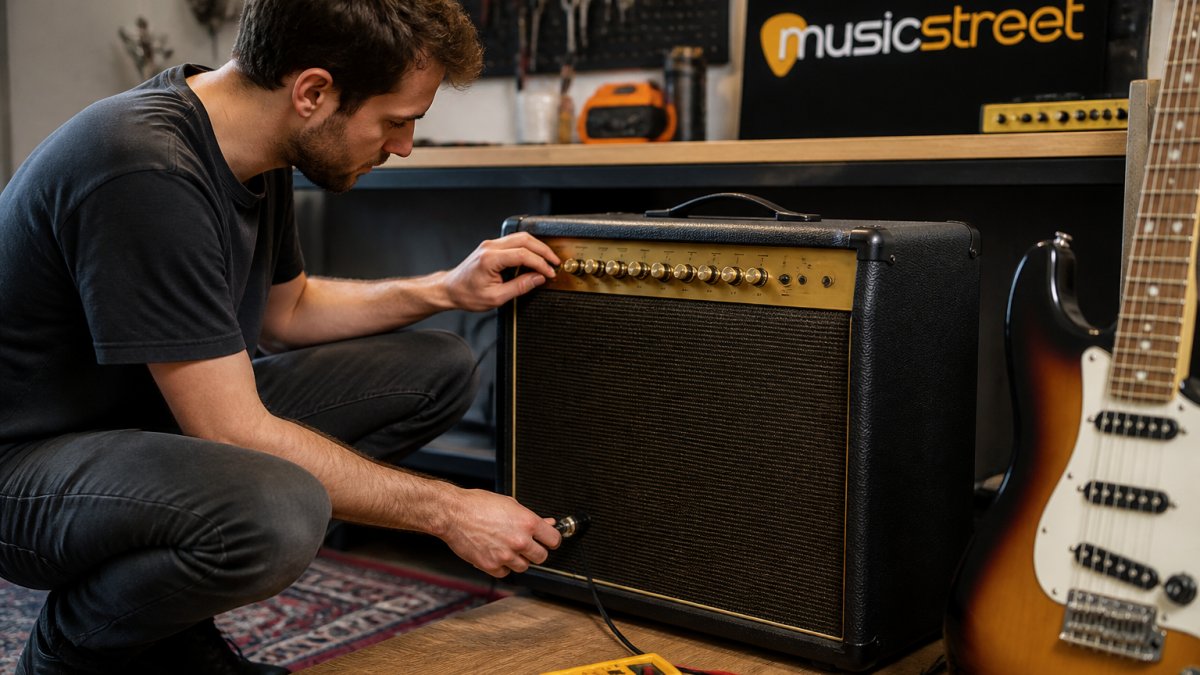
Inspect the entire length of your cable carefully. Look for cuts, kinks, or exposed wiring in the jacket. Check both connectors, the one that plugs into your guitar and the one that goes into your amp. Connectors can corrode, bend, or develop loose contacts over time.
Try wiggling the cable while it's plugged in. If the buzz changes or disappears when you move it, the cable is almost certainly the problem. Replace it with a fresh one.
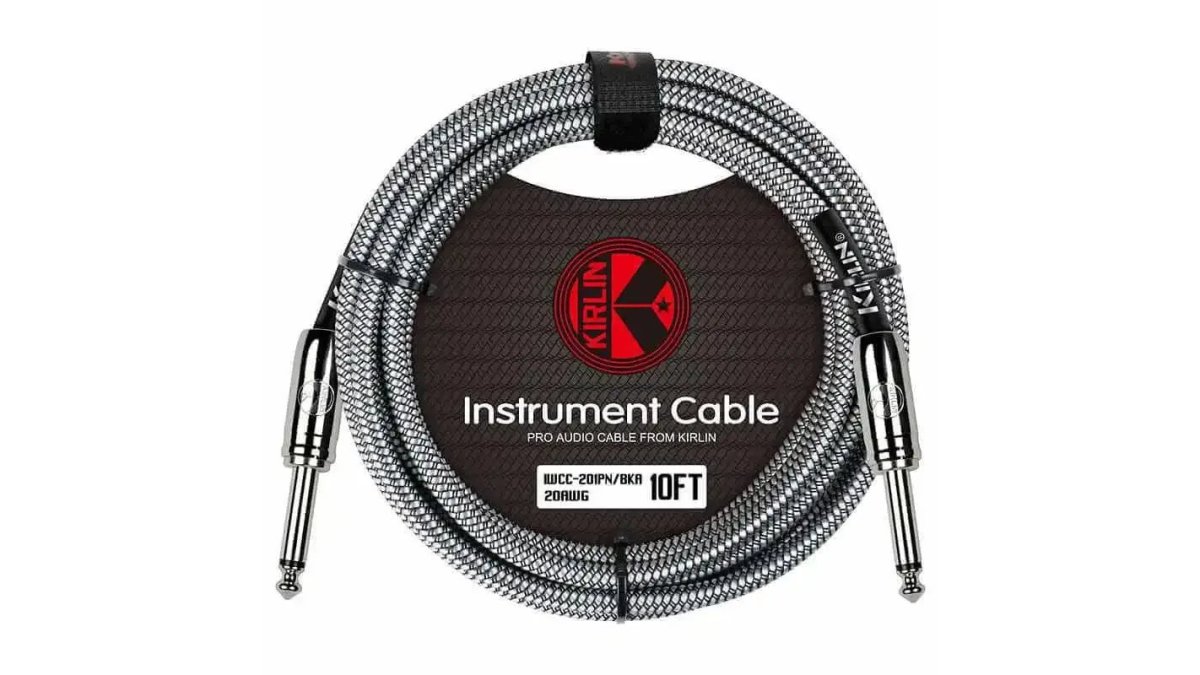
For reliable cables that minimise noise, the Ernie Ball Angled Guitar Cable features dual-shielded design to keep your signal clean. If you're on a tighter budget, the KIRLIN Fabric cables offer 95% copper braided shielding at a lower price point.
Step 2: Test Whether the Buzz Occurs When Nothing Is Plugged In
This step tells you whether the problem is in your guitar, cable, or amp itself.

Unplug your guitar from the cable. Leave the cable plugged into your amp. Turn up the volume and listen. If you hear buzz or hum, the problem is in your amp or the cable, not your guitar.
Now plug the cable into your guitar but don't touch it. Listen again. If the buzz stops or changes, your guitar or cable is the culprit. If it stays the same, your amp is generating the noise.
Ernie Ball Angled Guitar Cable Neon Yellow - 10 Ft →
This simple test narrows down where to focus your troubleshooting effort. It saves you time chasing the wrong problem.
Step 3: Identify Buzz When Touching Your Guitar Strings
When you touch your guitar strings, your body becomes part of the electrical circuit. This can reveal grounding issues.
Play a note and listen to the buzz. Now touch the metal strings with your bare hand. If the buzz disappears or changes significantly, you have a grounding problem. Your guitar or amp isn't properly grounded, and your body is completing the circuit.
This often happens with guitars that have loose or corroded bridge hardware, worn output jacks, or shielding issues inside the body. It can also indicate a problem with your amp's ground connection.
If the buzz stays the same whether you touch the strings or not, the issue is elsewhere in your signal chain.
Step 4: Troubleshoot Tube Amp Hum and Buzz
Tube amps are wonderful but they hum. That's normal. What isn't normal is excessive buzz or hum that gets louder when you turn up the volume.
A gentle hum at idle is often just the 50Hz mains frequency coming through. But if you hear buzzing or crackling, one or more of your tubes may be failing. Tubes wear out over time, and a dying tube produces noise before it stops working entirely.
Try swapping your preamp tubes first. These are usually smaller and easier to access. If the buzz disappears, you've found the culprit. If it persists, move on to the power amp tubes.
You can also try a power attenuator if your amp is too loud for your space. The Used Tube Amp Doctor Silencer Guitar Amplifier Power Attenuator reduces hum and noise whilst letting you run your tubes at proper operating temperature. The Tube Amp Doctor Silencer Power Attenuator reduces hum and noise whilst letting you run your tubes at proper operating temperature.
For tube amp issues that you can't solve yourself, professional servicing is worth the investment. A technician can replace worn tubes, check biasing, and inspect filter capacitors that may be degrading.
Step 5: Move Away from Electrical Interference
Modern homes are full of electronics that emit electromagnetic interference. Microwave ovens, WiFi routers, mobile phones, computer monitors, and LED lights all create noise that your amp can pick up.
Move your amp away from these devices. Even a metre or two can make a huge difference. If you're practising near a computer, try moving the amp to the other side of the room.
Unplug devices you're not using. Turn off your WiFi router during practice if you don't need it. These steps sound simple, but they solve the problem for many players.
If you're in a particularly noisy environment, try plugging your amp into a different socket on a different circuit. Some rooms have better electrical isolation than others.
Ernie Ball Angled Guitar Cable Neon Yellow - 10 Ft →
Step 6: Check Your Amplifier Connections and Settings
Loose connections are surprisingly common. Your cable might be plugged into the input jack, but if it's not fully seated, you'll get noise.
Push every cable firmly into every jack. Check the input, output, and any effects loop connections. A cable that looks plugged in might actually be loose.
Also check your amp's settings. Some amps have a presence control or treble knob that can amplify high-frequency noise if turned up too far. Try dialling these back slightly to see if the buzz reduces.
If your amp has a gain control separate from volume, make sure the gain isn't cranked. High gain amplifies everything, including noise. A moderate gain setting with volume control usually sounds better and produces less noise.
When to Seek Professional Repair for Your Amp
If you've worked through all these steps and the buzz persists, your amp likely needs professional attention. A technician can diagnose issues that aren't visible or testable at home.
Common problems that require professional repair include failing capacitors, damaged transformers, worn tube sockets, and internal wiring issues. These aren't safe to attempt yourself.
MusicStreet offers in-house repair and setup services for guitarists across the region. Our team can diagnose your amp's problem, replace worn components, and have you back to playing quickly.
Amp buzz is annoying, but it's usually fixable. Start with your cable, test systematically, and move through these steps methodically. Most players solve their problem without leaving home. When you do need help, professional servicing is straightforward.
For quality cables and accessories that minimise noise from the start, browse our guitar cable selection. And if your amp needs professional attention, book a repair appointment with our in-house workshop to get back to making music.
Frequently Asked Questions
Why is my guitar amp making a buzzing noise?
Guitar amp buzzing noise typically stems from three sources: a damaged or poorly shielded cable, electrical interference from nearby devices, or a fault within the amp itself. Buzzing that occurs only when your guitar is plugged in usually points to the cable or guitar electronics. Buzzing that persists with nothing connected suggests an internal amp issue or mains interference.
Can a faulty guitar cable cause amp buzzing?
Yes. A worn or damaged guitar cable causing amp buzz is one of the most common culprits. Frayed shielding, loose connectors, or internal wire damage allow electrical noise to enter your signal path. High-quality cables with proper shielding, like the Ernie Ball Angled Guitar Cable, minimise this interference and deliver a clean signal to your amp.
Why does my amp buzz when I touch the strings?
When your guitar amp buzz occurs as soon as you touch the strings, it usually indicates grounding issues or poor shielding in your guitar's electronics. This happens because your body completes a circuit. Check that your guitar's output jack is clean and that all internal wiring is secure. If the problem persists, your guitar may need professional setup or repair.
Is it safe to use a guitar amp that is buzzing?
Occasional buzzing from cable or interference is usually harmless, but persistent buzzing from inside the amp may indicate a serious fault. Tube amp hum and buzz troubleshooting should be taken seriously if the noise is loud, accompanied by a burning smell, or if the amp feels unusually warm. Stop using it and have it inspected by a technician to avoid damage or safety risks.





Share:
TRRS Explained: The 4-Pole Jack and Your Guitar Gear