


- Chorus creates wide, lush sound by simulating multiple voices slightly out of sync.
- It uses longer delay times and modulation to produce natural width and warmth.
- Subtle, well-placed chorus enhances clarity and dimension without cluttering dense mixes.
Chorus is one of the most misunderstood effects in a guitarist’s toolkit. Many players assume it’s simply “more reverb” or a way to add vague shimmer, but that misses the point entirely. Chorus creates lush, wide, shimmering sound by simulating multiple voices or instruments playing at once, each slightly out of time and pitch. The result is something that feels bigger, warmer, and more alive than a dry signal ever could. This guide covers exactly what chorus is, how it works mechanically, how to dial in settings, how it compares to flanger and phaser, and how to avoid the mistakes that muddy your mixes.
Table of Contents
- What is chorus effect and how does it work
- Chorus effect in practice: Typical guitar and studio settings
- Chorus effect vs flanger and phaser: Key differences
- Common pitfalls and advanced chorus techniques
- Our perspective: Why subtle chorus wins in modern production
- Explore chorus pedals and tips at MusicStreet
- Frequently asked questions
Key Takeaways
| Point | Details |
|---|---|
| Chorus thickens sound | Chorus effect creates wider, richer audio by simulating multiple sources slightly out of tune and time. |
| Classic settings are effective | For guitars, slow rate and moderate depth yield lush, shimmering tones without unwanted artefacts. |
| Know modulation differences | Chorus, flanger, and phaser offer distinct textures, so pick based on desired sonic character. |
| Avoid common pitfalls | Muddy mixes and mono issues can occur; use chorus wisely with EQ and parallel processing. |
| Subtle chorus fits modern mixes | Gentle settings enhance production width without obvious movement, ideal for contemporary guitarists and producers. |
What is chorus effect and how does it work
At its core, chorus is an audio modulation effect. It simulates multiple instruments or voices slightly out of tune and time with each other, producing a richer, thicker sound from a single source. Think of it like a choir: one singer sounds fine, but ten singers performing the same melody with tiny natural timing differences creates something far more powerful. Chorus replicates that effect electronically.
The mechanics work like this: the incoming signal is split into a dry path and a wet path. The wet signal is delayed by a short amount, typically between 10 and 50 milliseconds, and that delay time is continuously varied by a low-frequency oscillator (LFO). The LFO modulates the delay, which creates subtle pitch variations as the delay time shifts. When the dry and wet signals are recombined, the phase interference between them produces the characteristic shimmering, wide sound.
Three parameters control most of the character you hear:
- Rate: How fast the LFO oscillates, measured in Hz. Slower rates feel lush and smooth; faster rates feel more pronounced and watery.
- Depth: How far the LFO pushes the delay time. Higher depth means more pitch variation and a more obvious effect.
- Mix: The balance between dry and wet signal. Lower mix values keep things subtle; higher values make the effect very audible.
You can learn more about how chorus fits within the broader world of guitar effects types explained on the MusicStreet blog.
| Parameter | Typical range | Effect on sound |
|---|---|---|
| Rate | 0.1 to 2Hz | Slow = lush, fast = watery |
| Depth | 1 to 10ms | Low = subtle, high = dramatic |
| Mix | 20% to 60% | Low = thickening, high = obvious chorus |
| Delay time | 10 to 50ms | Core width and shimmer |
“Chorus works by splitting your signal, delaying the wet copy, and modulating that delay with an LFO. The result is perceived pitch variation that mimics the natural imperfections of multiple performers.”
Understanding these mechanics gives you real control. You stop guessing at knobs and start sculpting sound with intention.
Chorus effect in practice: Typical guitar and studio settings
Knowing the theory is one thing. Knowing where to put chorus in your signal chain and how to set it up is where the real improvement happens.
In a guitar rig, chorus belongs after your drive and distortion pedals but before time-based effects like delay and reverb. Placing chorus before drive causes the modulation to get distorted and smeared, losing its character. Placing it after reverb creates a messy, indistinct wash. The sweet spot is in the middle of your chain, where it can add width without interfering with other effects. For more detail on ordering your effects correctly, the guide on guitar effects chains tips is worth reading.
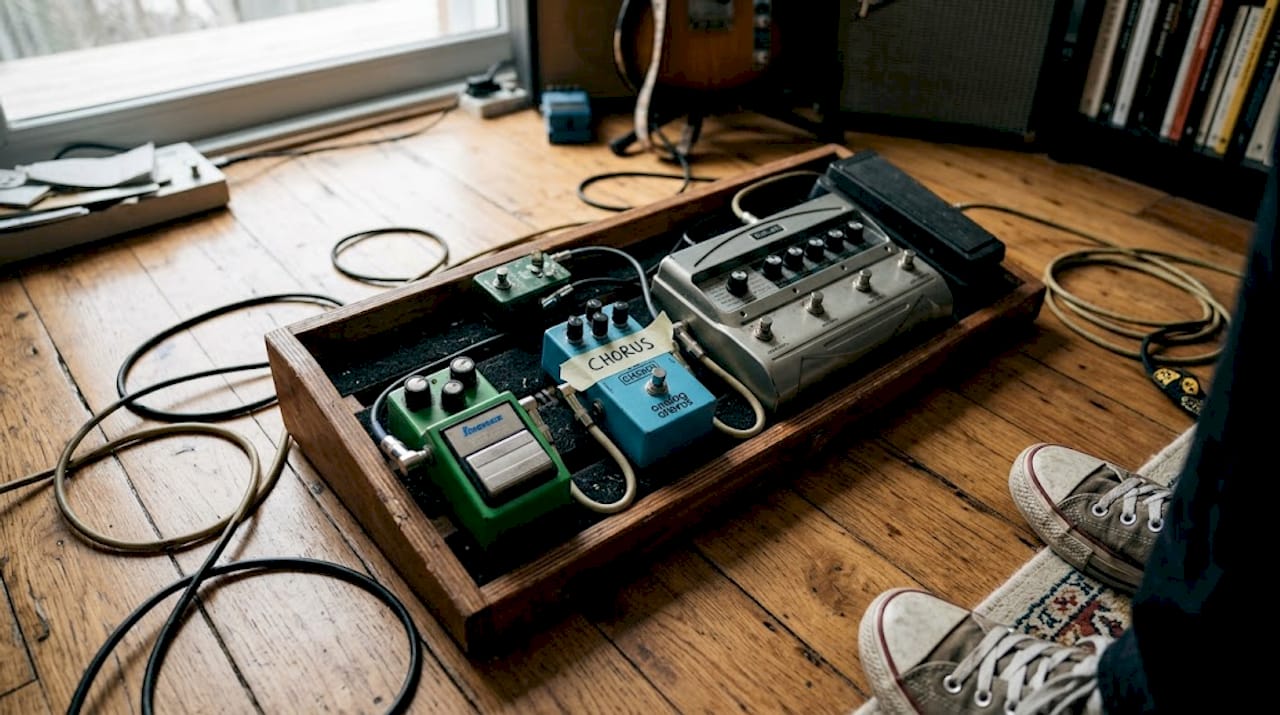
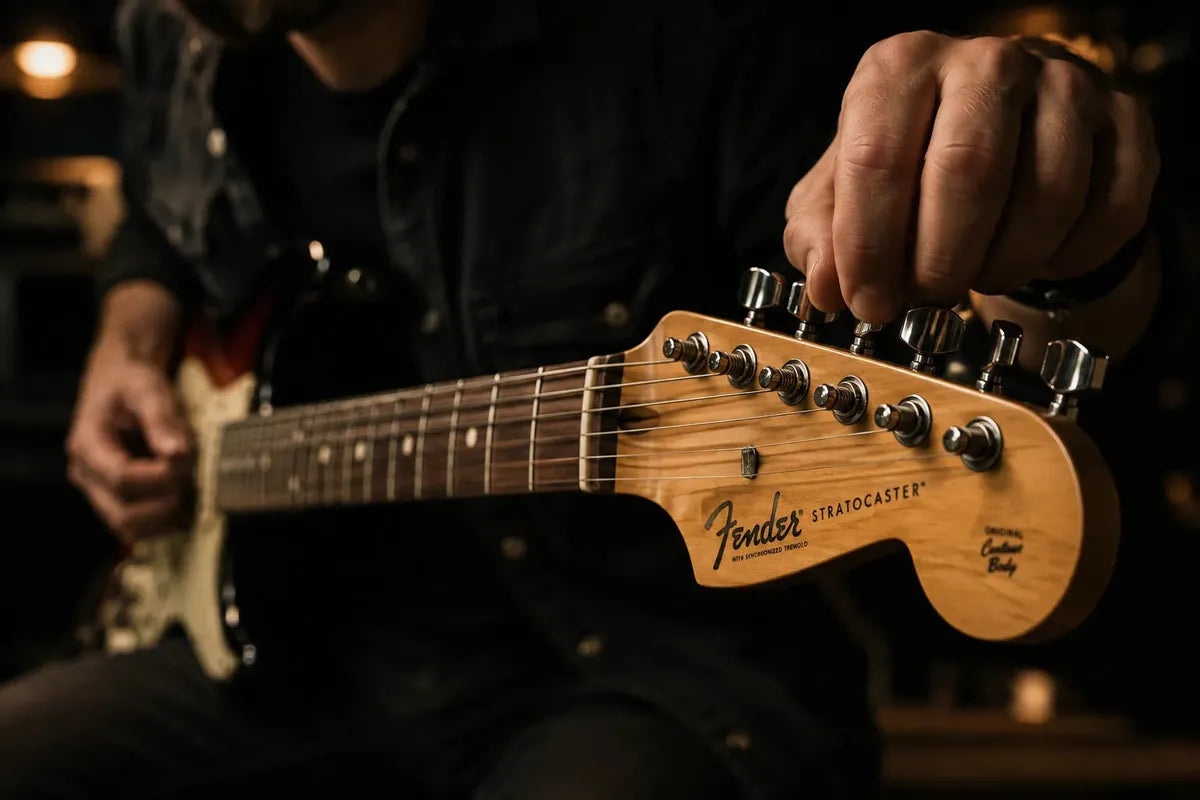
For classic guitar and vocal sounds, rate 0.4Hz, depth 4 to 5ms, mix 30% is a reliable starting point that delivers a lush, natural-feeling width without sounding artificial. It’s the kind of setting you’d hear on clean Stratocaster parts or shimmering rhythm guitar.
Here’s a simple process for dialling in chorus on guitar:
- Start with mix at 30% and rate at 0.4Hz.
- Set depth to around 4ms and listen to the overall width.
- Increase rate slightly if you want more movement; reduce it for a smoother feel.
- Adjust mix down if the effect feels too obvious in context.
- A/B the sound with and without the effect to confirm it’s adding width, not just noise.
In the studio, chorus behaves a little differently. Here are some practical tips for mix applications:
- Apply chorus to acoustic guitar to add natural-sounding width without reverb buildup.
- Use it on backing vocals to create a sense of multiple singers without recording extra takes.
- Keep mix values conservative (20 to 35%) in dense arrangements to avoid frequency clutter.
- Automate the mix parameter so chorus builds during choruses and drops back in verses for dynamic movement.
Pro Tip: Instead of inserting chorus directly on a track, route it as a send effect and blend it in parallel. This preserves the original attack and transients of the dry signal while adding width from the wet signal, giving you the best of both worlds.
For inspiration on which effect pedal choices suit different playing styles, MusicStreet has a helpful breakdown.
Chorus effect vs flanger and phaser: Key differences
Chorus, flanger, and phaser are all modulation effects, and they’re frequently confused. They share some DNA but produce very different results. Choosing the wrong one for a situation can make your sound feel off, even if you can’t immediately explain why.
The key distinction lies in delay time and the type of modulation. Chorus uses longer delay times of 15 to 50ms, which creates the sense of multiple voices. Flanger uses much shorter delay times under 10ms, producing a metallic, jet-like sweeping sound. Phaser doesn’t use delay at all; it uses all-pass filters to shift the phase of certain frequencies, creating a smoother, more organic sweep.
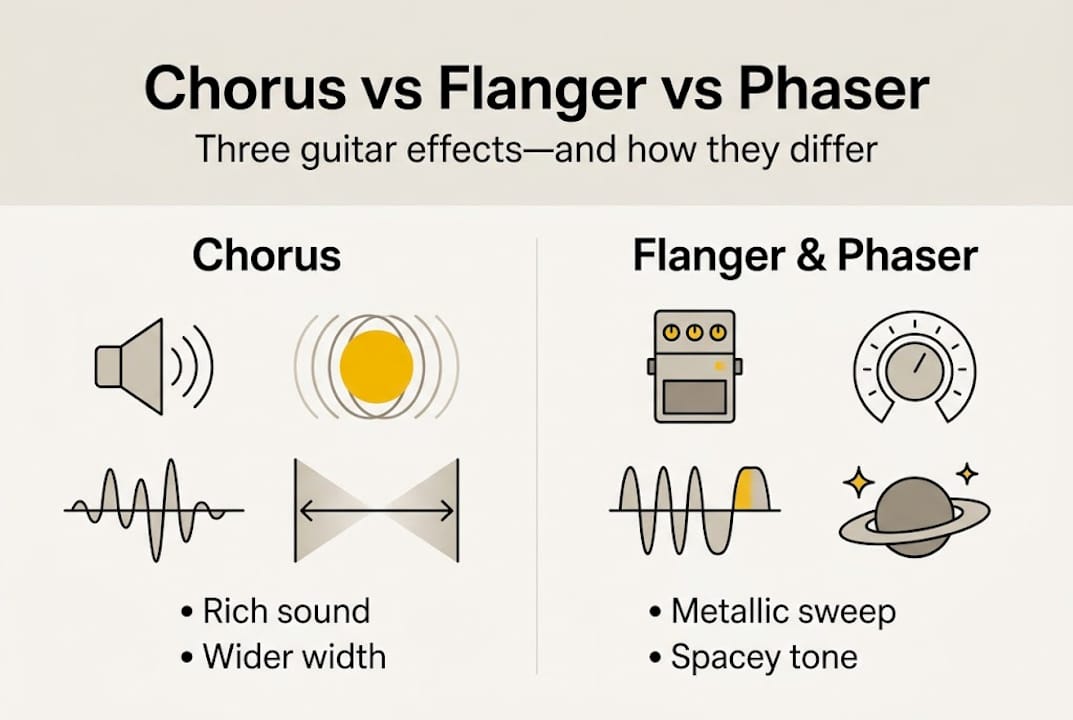
| Effect | Delay time | Modulation type | Sonic character |
|---|---|---|---|
| Chorus | 15 to 50ms | LFO on delay | Wide, lush, vocal |
| Flanger | Under 10ms | LFO on short delay | Metallic, jet-like |
| Phaser | No delay | All-pass filters | Smooth, swirling |
Knowing when to use each effect makes a real difference:
- Chorus works best for clean guitar parts, vocals, strings, and anything needing natural width and warmth.
- Flanger suits lead guitar, synth lines, and moments where you want an aggressive, sci-fi quality to the sound.
- Phaser is ideal for funk rhythm guitar, keyboards, and situations where you want movement without obvious pitch variation.
For a deeper look at flanging specifically, the flanger effect guide on MusicStreet covers the nuances well. You can also explore a modulation effects comparison for a side-by-side breakdown of how all three behave in different contexts.
The practical takeaway: if you want width and warmth, reach for chorus. If you want drama and edge, flanger or phaser will serve you better.
Common pitfalls and advanced chorus techniques
Even when you understand chorus well, it’s easy to misuse it. The effect has a few specific failure modes that show up regularly in home recordings and live rigs alike.
The most common pitfalls include applying chorus to bass or drums, which muddies the low-end and reduces punch and clarity. Extreme depth and rate settings cause an unpleasant seasick wobble that quickly becomes fatiguing. Mono compatibility is another real issue: chorus that sounds wide in stereo can cause phase cancellation when the mix is summed to mono, making the affected instrument disappear.
Here are advanced techniques that sidestep these problems:
- Send/parallel processing: Route chorus as a send effect rather than an insert. This keeps the dry signal intact and gives you precise control over how much wet signal you blend in.
- EQ the wet signal: Apply a high-pass filter at around 200Hz and a low-pass filter at around 8kHz on the wet chorus signal. This removes the low-end muddiness and the harsh high-frequency artefacts, leaving only the pleasing mid-range shimmer.
- Automate the mix parameter: Bring chorus in gradually during a build or chorus section, then pull it back during verses. This creates dynamic movement without committing to a static setting throughout the track.
- Emulate classic hardware: Juno-6 style chorus emulation produces the authentic 80s sound that defined countless pop and synth-pop records. Several VST plugins replicate this character convincingly.
Pro Tip: When using chorus on electric guitar in a mix, cut the low-end of the wet signal below 250Hz. This single adjustment removes most of the muddiness that chorus introduces in dense arrangements.
For a broader look at building your effects setup, the ultimate pedal guide and a look at guitar pedal examples are both worth your time. For mixing-specific advice, chorus mixing advice from Nail The Mix goes into further practical detail.
Our perspective: Why subtle chorus wins in modern production
Here’s something most tutorials won’t tell you directly: the guitarists and producers getting the best results from chorus in 2026 are almost always using less of it than you’d expect.
Modern mixes are dense. Drums, bass, multiple guitars, synths, and vocals all compete for space. In that context, an obvious, heavily modulated chorus creates clutter rather than width. Subtle chorus at low mix and depth thickens a sound without any audible movement, which is exactly what dense arrangements need.
The most overlooked technique is EQ on the wet signal. Almost nobody does it by default, but it transforms chorus from a potentially problematic effect into a precise width tool. Strip the lows and soften the highs on the wet path, and you’re left with something that adds dimension without introducing phase or frequency problems.
Hardware emulations like the Juno-6 have genuine character that generic chorus algorithms lack, but don’t get too caught up chasing vintage gear. Classic settings still work brilliantly. The real skill is knowing when to automate the mix for a dynamic build rather than leaving it static. For recommendations on quality pedals worth adding to your rig, the best guitar pedals guide is a strong starting point.
Explore chorus pedals and tips at MusicStreet
If this guide has sparked ideas about how chorus could improve your sound, the natural next step is trying it in your own rig. Whether you’re a gigging guitarist looking for a reliable pedal or a producer searching for the right plugin approach, having the right tools makes the difference.

At MusicStreet, we stock a carefully chosen selection of effects pedals alongside detailed guides to help you get the most from your gear. Our team genuinely understands how guitarists use effects in real playing situations, not just on paper. If you’re new to effects or want to build a smarter signal chain, the guide on using electric guitar pedals is a great place to continue your learning. We’re here to help you find the right sound.
Frequently asked questions
What is the main purpose of chorus effect?
Chorus effect thickens and widens sound by simulating multiple voices or instruments playing slightly out of sync, making a single source feel richer and fuller.
How do you set chorus for guitar?
Typical settings are rate 0.4Hz, depth 4 to 5ms, mix 30%, placed after drive pedals and before time-based effects like delay and reverb in your signal chain.
What’s the difference between chorus, flanger, and phaser?
Chorus uses longer delay of 15 to 50ms for width, flanger is metallic with delay under 10ms, and phaser uses all-pass filters for smooth, swirling sweeps without delay.
Can you use chorus on bass or drums?
It’s generally not recommended, as chorus on bass or drums muddies the low-end and reduces punch; chorus works best on guitar, keys, and vocals.
How do you avoid common chorus problems in mixes?
Use chorus as a send/parallel effect, keep depth and rate moderate, and apply EQ to the wet signal to maintain mono compatibility and overall clarity.


Share:
PRS Guitars UK: Explore the Collection at MusicStreet
Guitar Shops Near Cambridge — Visit Music Street in Huntingdon